How-to
Choose your theme
FormulooPM is shown in light, in dark, or like your system. You choose from your account menu, and your account remembers this choice on all your devices.
Change the theme
Link to the “Change the theme” section- In the bar, click your avatar, on the right. Your account menu opens.
- Click Theme.
- In the submenu, click Light, Dark or System.
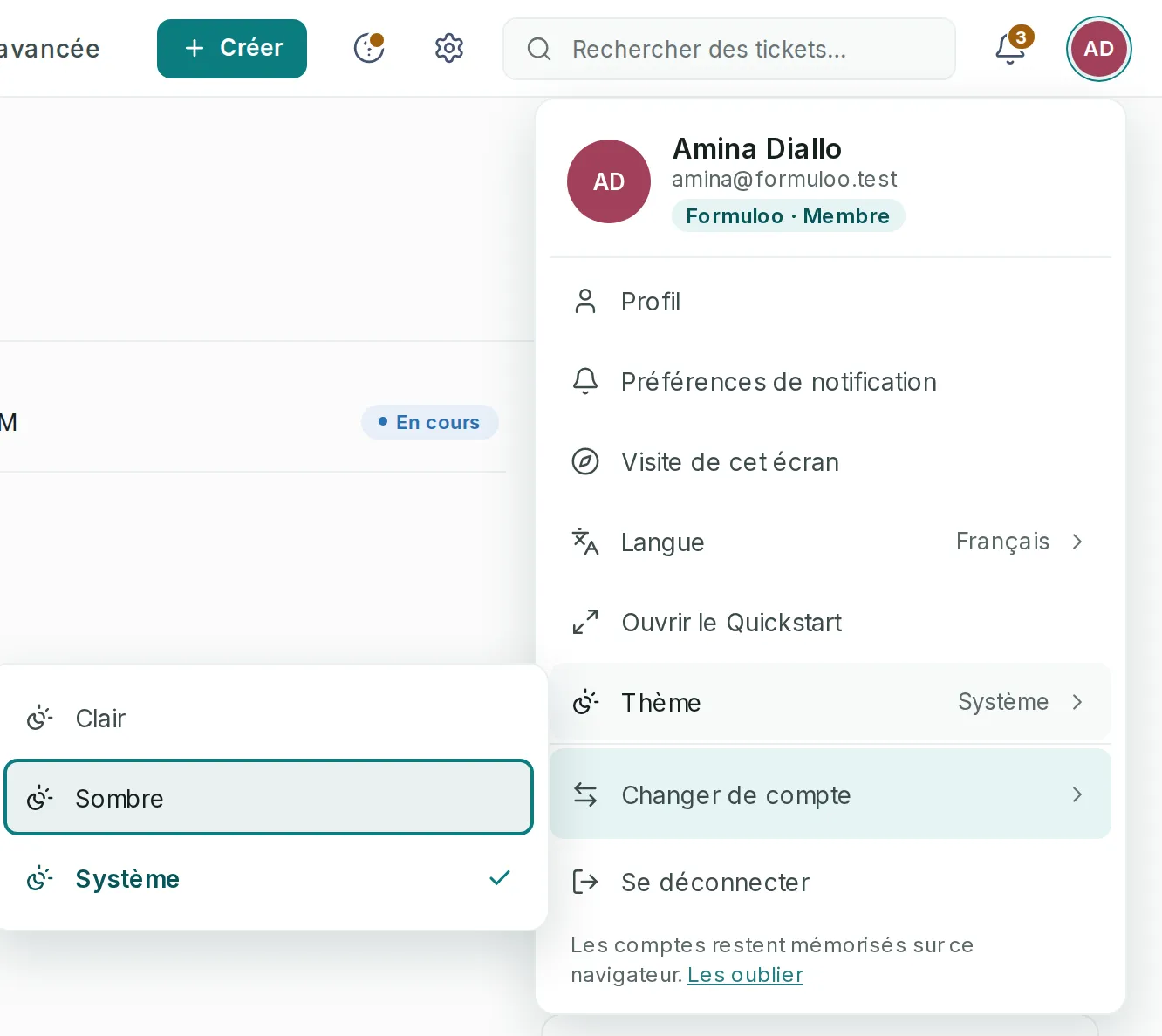
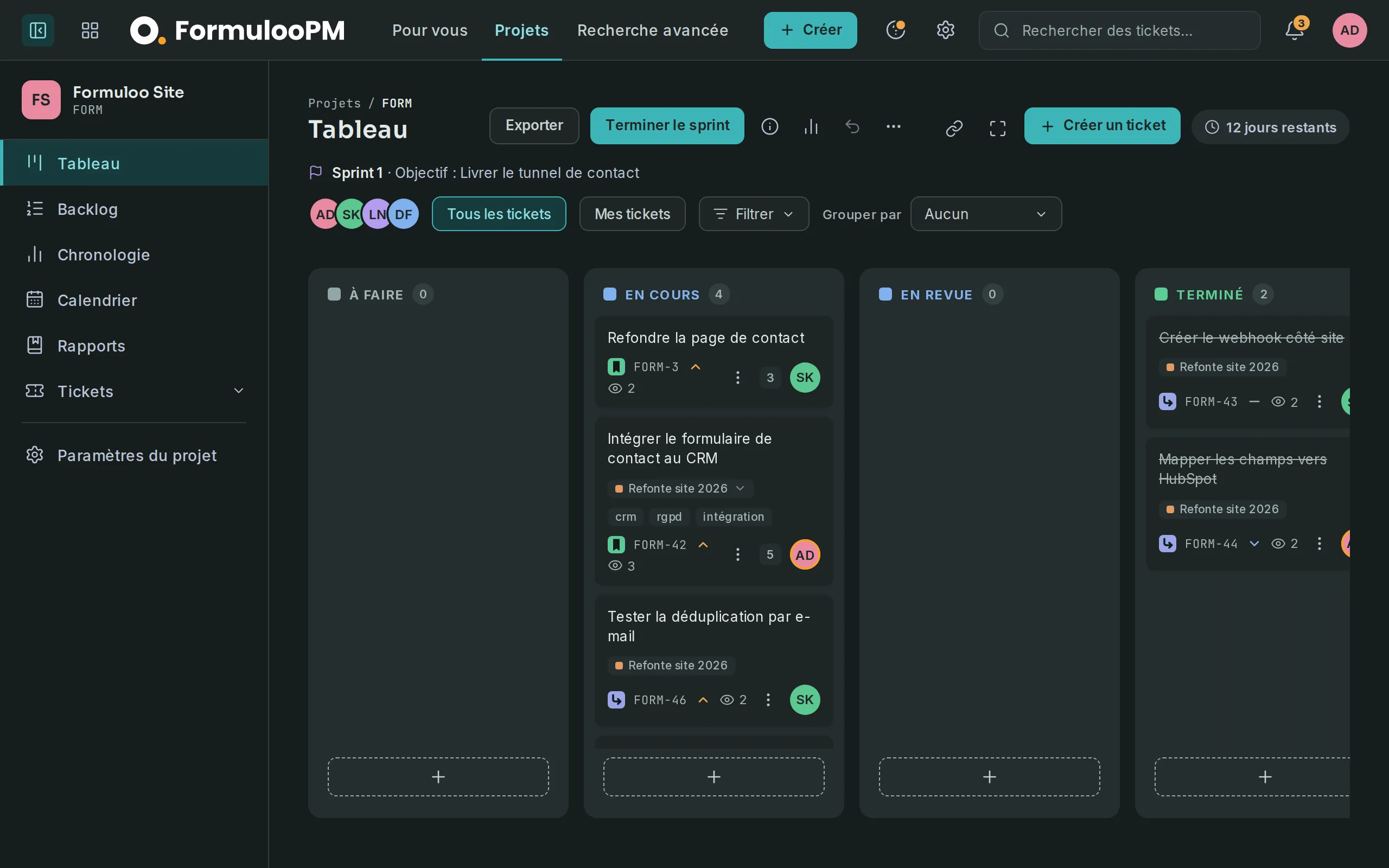
The interface changes at once, without reloading the page. The chosen theme is ticked in the submenu.
If you get stuck
Link to the “If you get stuck” section| What you see | What to do |
|---|---|
| With System, the interface does not change when your computer switches to dark. | Check the appearance setting of your system and of your browser. Some browsers have their own setting, which wins. |
| On opening, the interface shows the old theme for a moment. | The theme was changed on another device. This browser catches up as soon as your account answers. |
| A message says the theme could not be saved, and the previous theme comes back. | Your account did not answer. Check your internet connection, then choose the theme again. |
Good to know
Link to the “Good to know” section- The theme is remembered by your account, not by the browser: you find it on all your devices.
- The theme changes the interface. Images attached to tickets and profile photos stay as they are.
- The public FormulooPM home page always stays light, whatever your theme.
- A printed page always comes out light, even if your theme is dark.
Loading search…