How-to
Take the guided tour
A tour of a few bubbles presents the FormulooPM bar, and each main screen has its own. You start them from the Quickstart or from help.
Follow the tour
Link to the “Follow the tour” section- Read the bubble. Its counter gives the step, for example “1 of 7”, and the element presented is outlined.
- Click Next to go to the next step. Back returns to the previous one.
- At the last step, click Done. If you started it with Show me, the Quickstart step is ticked, and its progress bar moves on.
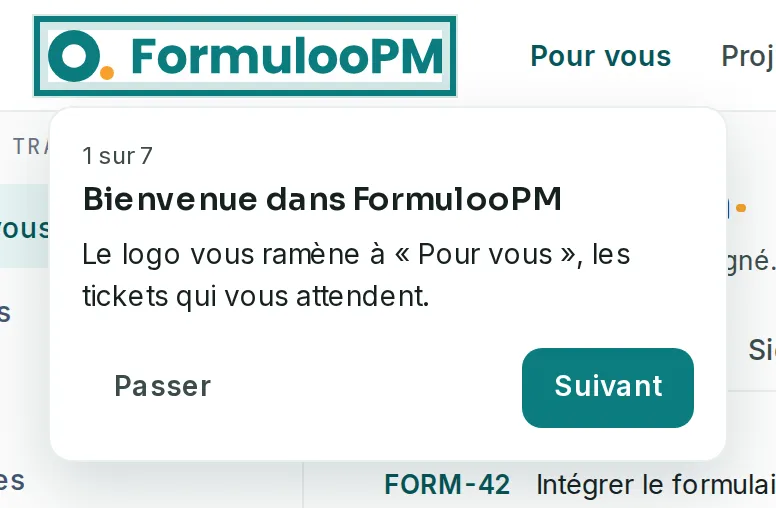
To stop before the end, click Skip or press Esc. Nothing is ticked then.
Start a tour from the Quickstart
Link to the “Start a tour from the Quickstart” sectionThe Quickstart is the list of first steps. Each step has its Show me button.
- At the bottom right of the screen, click the Quickstart pill. The panel opens on the right.
- Expand a step, then click Show me. The step’s screen opens, then its tour. For Discover FormulooPM, the general tour starts on the screen you are on.
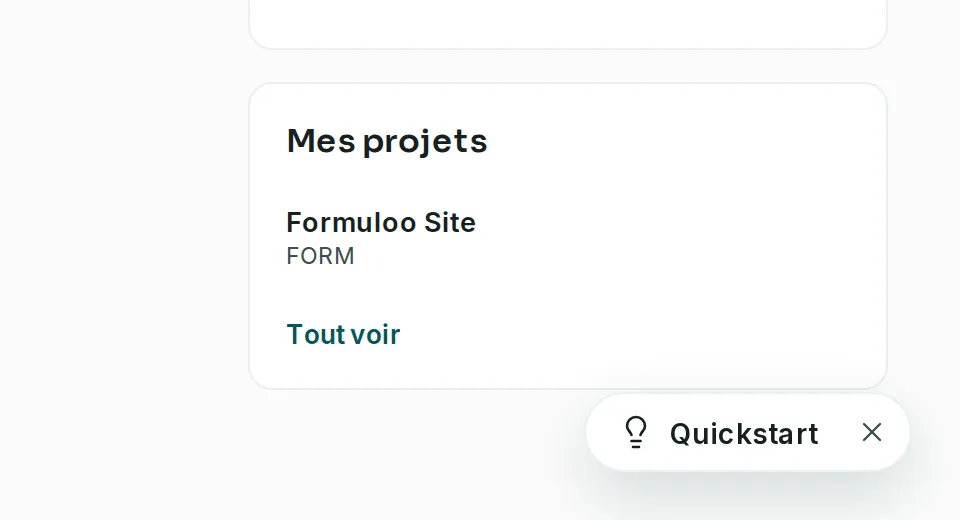
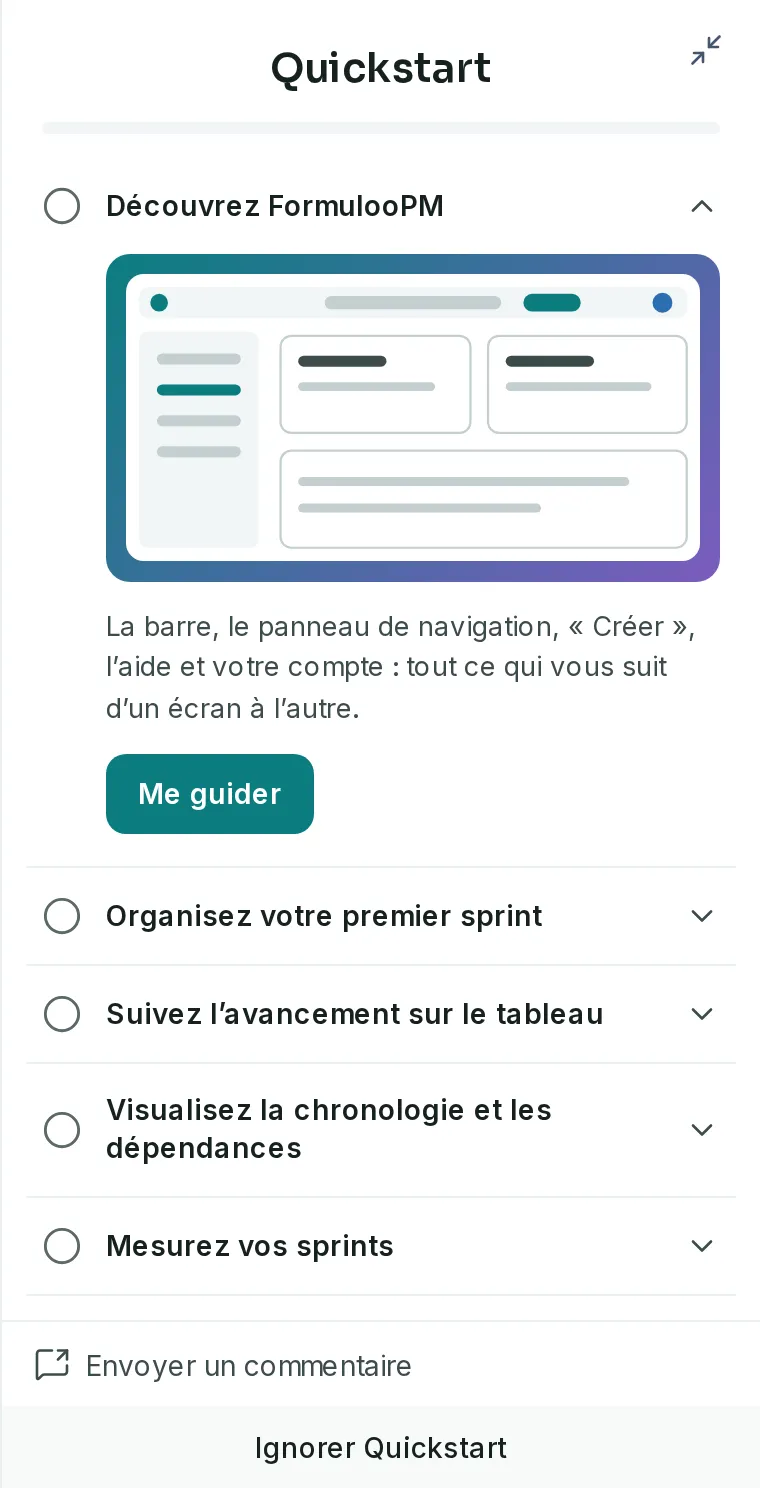
The cross on the pill removes the Quickstart from your account. To bring it back, click your avatar, on the right of the bar, then Open Quickstart. On a phone, the pill is not shown: always use this menu.
Take the tour of a screen
Link to the “Take the tour of a screen” section- In the bar, click the Help button, shaped like a question mark. Outside an input field, the ? key opens it too.
- At the bottom of the help panel, click Tour of this screen. The tour presents what you do on the open screen.
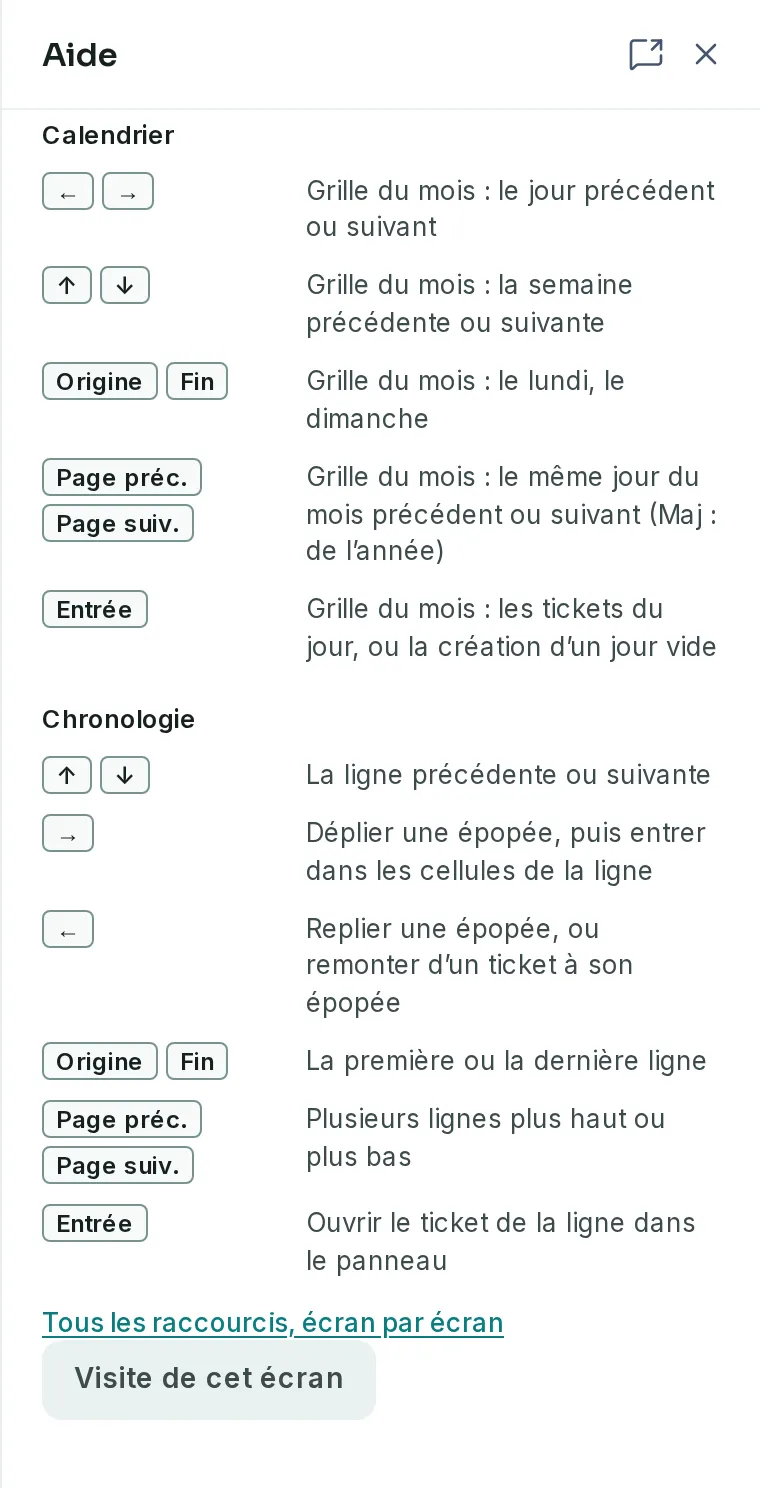
Your account menu also offers Tour of this screen. On a phone, the bar has no help button, so use this menu.
If you get stuck
Link to the “If you get stuck” section| What you see | What to do |
|---|---|
| No tour opens by itself. | This is intended. Start it from the Quickstart, with Show me, or from help, with Tour of this screen. |
| The counter shows fewer steps than elsewhere. | A step whose element is not displayed is skipped. On a phone, the tour has six steps, and presents the bottom menu instead of the panel and the help button. |
| The step is not ticked after the tour. | Only Done, on the last bubble of a tour started with Show me, ticks the step. Tour of this screen ticks nothing. Start the tour again with Show me and go to the end. |
| Show me opens the project list. | You are not a member of any active project. Create a project or ask to be added to one, then start again. That tour does not tick the step. |
Good to know
Link to the “Good to know” section- The page stays usable during the tour. A click on the outlined element does what it usually does.
- Since 10 October 2026, no tour opens by itself, neither the general tour nor a screen’s tour.
- Ticked steps are remembered by your account, on all your devices. A step done stays done.
- On a computer, the general tour names the project’s Timeline and Calendar.
- On a screen that has no tour of its own, Tour of this screen opens the general tour.
Loading search…